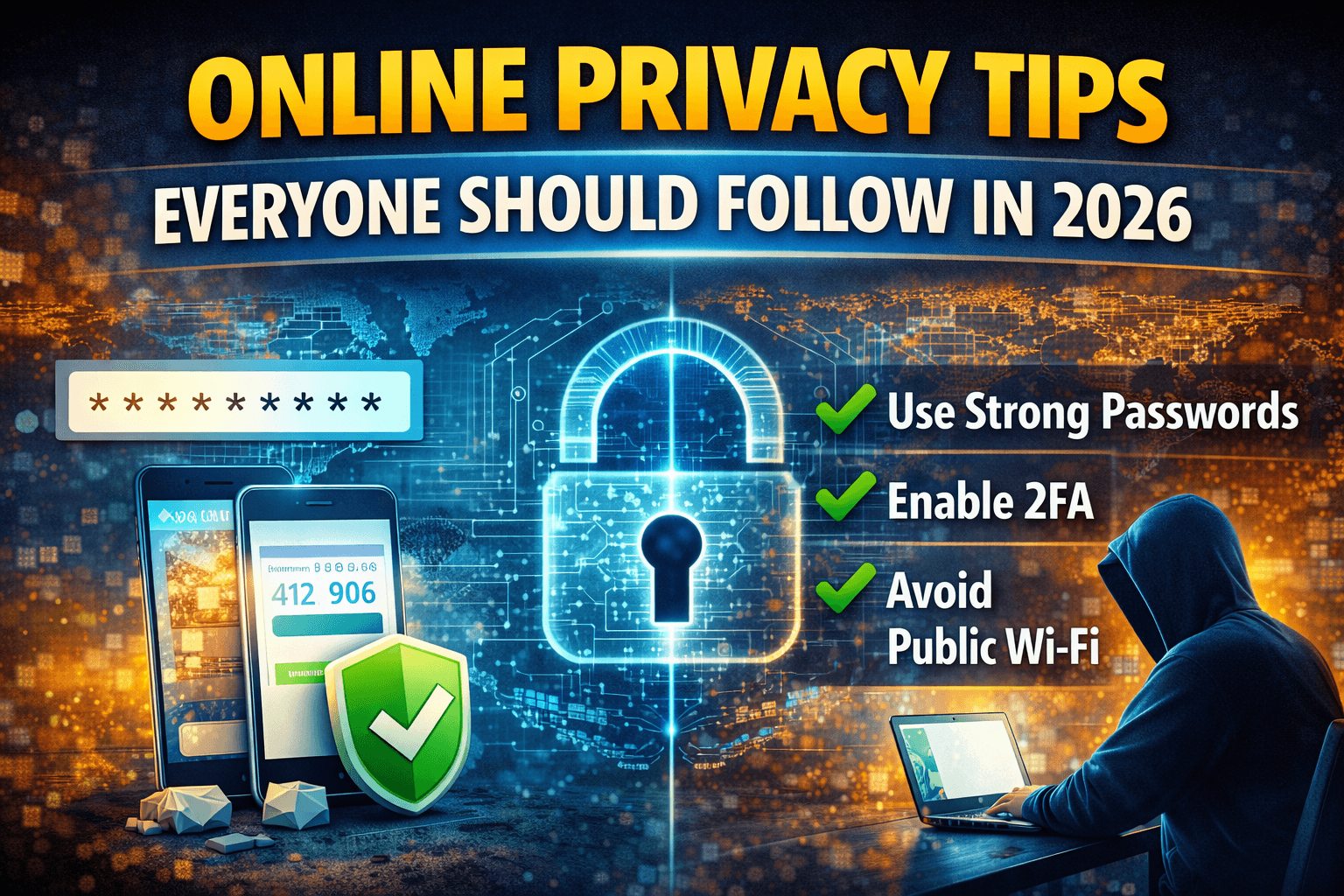
Online privacy isn’t optional anymore—it’s survival. In 2026, your personal data is more valuable than ever, and companies, advertisers, and cybercriminals are all competing for it. The scary part? Most people give it away without realizing it.
The good news is that protecting your privacy doesn’t require advanced technical skills. A few smart habits can make a massive difference.
Why Online Privacy Matters More Than Ever
Your data can be used to:
-
Track your behavior
-
Target you with ads
-
Steal your identity
-
Manipulate your choices
Once leaked, it’s nearly impossible to undo.
The Digital World in 2026
With AI, smart devices, and constant connectivity, privacy risks are everywhere. That’s why awareness is your first defense.
Understand What Data You Share Online
Personal Data vs Sensitive Data
Personal data includes your name and email. Sensitive data includes passwords, financial info, and location history. Both matter.
How Small Data Adds Up
One app might know your email. Another knows your location. Together, they build a complete profile of you.
Use Strong and Unique Passwords
Why Reusing Passwords Is Dangerous
If one site gets hacked, all linked accounts are at risk. Password reuse is like using one key for your house, car, and office.
Password Managers Explained
Password managers create and store strong passwords so you don’t have to remember them all.
Enable Two-Factor Authentication Everywhere
What Is 2FA and How It Works
2FA adds an extra step—like a code or app confirmation—on top of your password.
Best 2FA Methods in 2026
Authenticator apps are more secure than SMS-based codes.
Be Smart With Your Email Address
Why Email Is a Privacy Risk
Your email links most of your online accounts. If exposed, it opens the door to phishing and identity theft.
Using Temporary Email Strategically
Use temporary email for:
-
One-time sign-ups
-
Free trials
-
Downloads
Keep your real email private.
Limit Social Media Oversharing
What You Should Never Post
Avoid sharing:
-
Location in real time
-
Personal documents
-
Travel plans
Privacy Settings You Must Check
Review who can see your posts, friends list, and personal details.
Beware of Tracking and Cookies
How Websites Track You
Tracking pixels, cookies, and fingerprints follow your activity across sites.
Managing Cookies Properly
Reject unnecessary cookies and clear them regularly.
Use Secure Browsers and Extensions
Privacy-Focused Browsers
Choose browsers that block trackers by default.
Must-Have Privacy Extensions
Ad blockers and tracker blockers significantly reduce surveillance.
Protect Your Devices
Keep Software Updated
Updates fix security holes. Skipping them is risky.
Use Antivirus and Firewalls
They act as a safety net against malware and attacks.
Avoid Public Wi-Fi Risks
Why Public Wi-Fi Is Dangerous
Public networks are easy targets for hackers.
Safe Alternatives
Use mobile data or trusted VPNs when needed.
Use VPNs Wisely
What a VPN Actually Does
A VPN encrypts your internet traffic and hides your IP address.
Common VPN Mistakes
Free VPNs often sell your data—choose wisely.
Control App Permissions
Apps That Ask Too Much
Why does a flashlight app need your contacts?
How to Review Permissions
Regularly audit app permissions and remove unnecessary access.
Watch Out for Phishing and Scams
Modern Phishing Tactics
Scams now look real—emails, messages, even voice calls.
How to Spot Red Flags
Urgency, strange links, and unexpected attachments are warning signs.
Secure Your Online Accounts
Regular Security Checkups
Review login activity and connected devices.
Account Recovery Best Practices
Keep recovery emails and phone numbers updated.
Teach Privacy to Family Members
Kids and Online Privacy
Teach kids not to overshare and recognize scams.
Seniors and Digital Safety
Help seniors avoid phishing and fake tech support scams.
The Future of Online Privacy
Privacy Trends in 2026
Users are demanding transparency and control.
Why Personal Responsibility Matters
Tools help, but habits matter more.
Conclusion
Online privacy in 2026 isn’t about hiding—it’s about control. By following these tips, you reduce risks, protect your identity, and take back ownership of your digital life.
Privacy isn’t paranoia. It’s smart living in a connected world.
FAQs
1. Is online privacy really that important in 2026?
Yes, data misuse and breaches are increasing every year.
2. Do I need technical skills to protect my privacy?
No. Simple habits go a long way.
3. Are free tools safe for privacy protection?
Some are, but always research before using them.
4. Should I use different emails for different purposes?
Yes, it greatly improves privacy and security.
5. Can I ever be 100% private online?
No, but you can drastically reduce risks with smart practices.